Blog

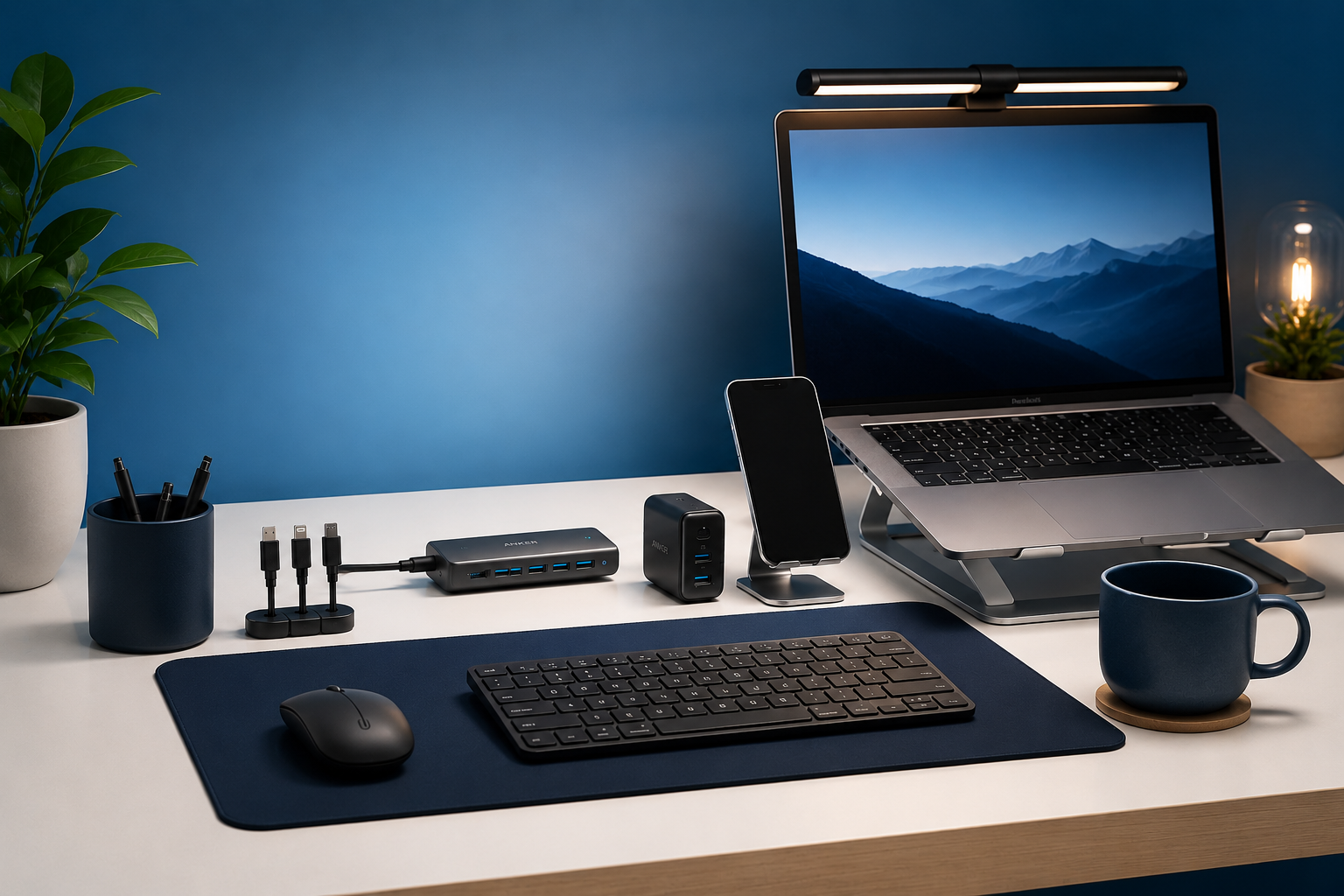
A better desk setup does not have to cost a lot.
Most people do not need a full workstation overhaul — they just need to fix a few small frustrations. Poor lighting. Cable clutter. No organization. A surface that feels chaotic by noon.
This guide covers six practical desk gadgets under $50 that actually improve how your workspace feels and functions. Whether you work from home, study, or just want a cleaner desk, these upgrades are worth it.
Affiliate Disclosure
Techconxt participates in Amazon Associates and other affiliate programs. If you purchase through our links, we may earn a small commission at no additional cost to you. We only recommend products we believe are genuinely useful. Learn more
Table of Contents
Why Small Desk Upgrades Actually Matter
Most workspace frustrations are not about expensive equipment. They are about small daily annoyances — squinting at a dim screen, untangling cables, losing a USB drive in a drawer, or losing focus after 20 minutes.
The right small gadget solves a specific problem. That is what makes it useful.
What to Look for in a Desk Gadget Under $50
Solves a real daily problem If you cannot quickly explain why you need it, you probably do not.
Fits your existing setup It should complement your desk, not add clutter.
Built to last Even affordable gadgets should feel sturdy and work consistently.
The Best Desk Gadgets Under $50
| Product | Best for | Main benefit | Approx price | Limitation |
|---|---|---|---|---|
| Lepro LED Desk Lamp ↗ | Late-night work and study | Better lighting and reduced eye strain | ~$33 | Needs desk space |
| Logitech M720 Triathlon Mouse ↗ | Productivity and multitasking | Comfortable multi-device workflow | ~$37 | Not ideal for competitive gaming |
| EooCoo Visual Pomodoro Timer ↗ | Focus and time management | Helps reduce distractions | ~$26 | Works best with self-discipline |
| TRZLIFE Desk Vacuum Cleaner ↗ | Clean desk setups | Easy keyboard and desk cleaning | ~$25 | Small battery device |
| Felt Desk Pad ↗ | Minimalist desk setups | Protects desk and improves comfort | ~$15 | Mainly aesthetic and comfort-focused |
| PGYTECH Mini Tech Organizer ↗ | Cable and accessory storage | Keeps chargers and accessories organized | ~$50 | Limited space for large accessories |
Prices change often, so check the product page for the latest price and availability.
Our Picks for the Best Desk Gadgets Under $50
1. Lepro LED Desk Lamp
~$33
A compact, adjustable LED desk lamp with multiple brightness levels and color temperature settings. One of the most practical upgrades for any desk.
What It Does: Provides consistent, adjustable lighting for reading, typing, studying, or video calls.
Why It’s Useful: Poor lighting is one of the most common causes of eye strain during computer use. This lamp lets you adjust both brightness and warmth depending on the task and time of day.
Who It’s For:
- Students studying at night
- Remote workers on video calls
- Anyone using a desk for more than 2 hours a day
- Small apartment setups without good overhead lighting
Key Features:
- Adjustable brightness and color temperature
- Compact footprint
- Energy-efficient
- LED Modern minimal design
✓ Pros
- Reduces eye fatigue
- Improves desk appearance
- Works for multiple use cases
- More consistent than overhead lighting
— Limitations
- Takes up desk space
- Not designed to light a full room
Practical Use Case: Ideal for late-night studying or early morning work sessions when overhead lights feel too harsh.

2. Logitech M720 Triathlon Wireless Mouse
~$37
A full-size ergonomic wireless mouse built for productivity. Works across multiple devices and is designed for long, comfortable use.
What It Does: Provides a comfortable, reliable wireless mouse with the ability to connect and switch between up to three devices.
Why It’s Useful: Most people underestimate how much a better mouse improves daily comfort. Wrist fatigue from a flat, cheap mouse adds up over hours of use.
Who It’s For:
- Office workers
- People using both a laptop and desktop
- Remote workers
- Productivity-focused setups
Key Features:
- Ergonomic shape for right-hand use
- Multi-device Bluetooth switching
- Long battery life
- Reliable Logitech wireless connection
✓ PROS
- Comfortable for extended use
- Reduces wrist strain
- Versatile multi-device support
- Strong battery performance
— Limitations
- Slightly bulky for travel
- Not built for gaming performance
Practical Use Case: Useful for anyone who switches between a work laptop and a personal computer throughout the day.
3. EooCoo Visual Pomodoro Timer
~$26
A physical desk timer designed around the Pomodoro productivity method. Simple visual countdown with no phone required.
What It Does: Tracks focused work sessions and breaks using a physical visual timer, reducing the need to check your phone.
Why It’s Useful: Structured work intervals help most people stay focused longer. Having a physical timer on your desk keeps you accountable without the distraction of apps.
Who It’s For:
- Students
- Remote workers
- Anyone who struggles with phone distractions
- People building focus habits
Key Features:
- Visual countdown display
- Preset work intervals
- Rechargeable
- Compact desk footprint
✓ PROS
- Encourages focused work sessions
- Reduces phone usage during work
- Easy to use
- Practical for studying or deep work
— Limitations
- Works best with consistent personal discipline
- Not a substitute for broader productivity habits
Practical Use Case: Place it on the desk before a study session. Set a 25-minute interval and work until it ends.
4. TRZLIFE Desk Vacuum Cleaner
~$25
A small, rechargeable mini vacuum designed for keyboard and desk cleaning.
What It Does: Quickly picks up crumbs, dust, and keyboard debris without needing to move everything off the desk.
Why It’s Useful: Keyboard and desk debris builds up quickly. A mini vacuum makes cleaning faster and more consistent than using wipes or a brush.
Who It’s For:
- Keyboard users
- Students
- Anyone who eats at their desk
- Shared workspace setups
Key Features:
- Compact, portable size
- Rechargeable battery
- Designed for keyboard and desk use
- Easy to store in a drawer
✓ PROS
- Makes regular cleaning quick and convenient
- Lightweight and easy to use
- Encourages tidier habits
— Limitations
- Not suitable for heavy cleaning tasks
- Small dust compartment requires frequent emptying
Practical Use Case: A 30-second keyboard clean before or after each work session keeps the setup looking maintained.
5. Felt Desk Pad
~$15
A large felt desk pad that covers most of the desk surface, adding comfort, protection, and a cleaner appearance.
What It Does: Provides a consistent surface for mouse movement, protects the desk from scratches, and visually ties together the desk setup.
Why It’s Useful: A desk pad is one of the fastest ways to make a desk look intentional and clean. It also makes mouse movement smoother.
Who It’s For:
- Students
- Home office users
- Anyone building a minimalist desk setup
- Budget-friendly desk upgrades
Key Features:
- Large surface coverage
- Soft felt material
- Desk and surface protection
- Minimal neutral design
✓ PROS
- Very affordable
- Instant visual upgrade
- Comfortable surface
- Easy to install — just lay it flat
— Limitations
- Primarily a comfort and aesthetic upgrade
- Felt material may need occasional spot cleaning
Practical Use Case: Lay it across the full desk before adding other items. Immediately makes the setup feel more complete and organized.
6. Mini Tech Organizer
~$50
A compact travel and desk organizer for cables, chargers, adapters, USB drives, and small tech accessories.
What It Does: Keeps small tech accessories organized in one compact case that works both at the desk and for travel.
Why It’s Useful: Cable and accessory clutter makes even expensive setups look messy. Having a dedicated organizer means nothing gets lost and the desk stays clean.
Who It’s For:
- Laptop users
- Remote workers who travel
- Students
- Anyone who regularly loses cables or adapters
Key Features:
- Multiple internal pockets and compartments
- Compact and portable
- Durable build quality
- Works for desk use and travel bags
✓ PROS
- Reduces desk clutter significantly
- Portable beyond desk use
- Well-organized interior
- Durable materials
— Limitations
- Limited space for large power bricks
- Higher price point compared to basic pouches
Practical Use Case: Store all cables, adapters, and small accessories in one place. Pull it out when needed and pack it away when the desk needs to be clear.
Frequently Asked Questions
What is the most useful desk gadget under $50?
For most people, a good desk lamp or ergonomic mouse provides the biggest everyday improvement. Both affect comfort and usability during every work or study session.
Are desk gadgets actually worth buying?
Practical ones are. Gadgets that improve lighting, comfort, organization, or focus tend to deliver real value. Decorative-only purchases are harder to justify unless aesthetics matter to you.
What should I upgrade first on my desk?
Start with:
– Lighting
– Mouse or keyboard comfort
– Cable organization
– Desk cleanliness
These tend to offer the best value and are immediately noticeable.
How do I avoid buying useless desk gadgets?
Focus on products that solve a specific daily frustration — not ones that just look interesting. If you cannot explain the problem it solves, skip it.
Do I need an expensive desk setup to be productive?
No. Small, practical upgrades under $50 can make a meaningful difference. A good lamp, a comfortable mouse, and a clean desk surface solve most common workspace frustrations.
Final Recommendation
Which Desk Upgrade Should You Start With?
The best desk gadgets are usually the simplest ones. A cleaner desk, better lighting, less clutter, and improved comfort often make a bigger difference than expensive equipment.
You do not need a fully aesthetic social-media-style setup to improve your workspace. Small practical upgrades under $50 can already make your desk feel more functional, comfortable, and enjoyable to use every day.
Prices listed reflect typical ranges at time of publication. Always check current listings for the most accurate pricing. This article contains affiliate links — purchases made through these links support Techconxt at no additional cost to you.