Blog

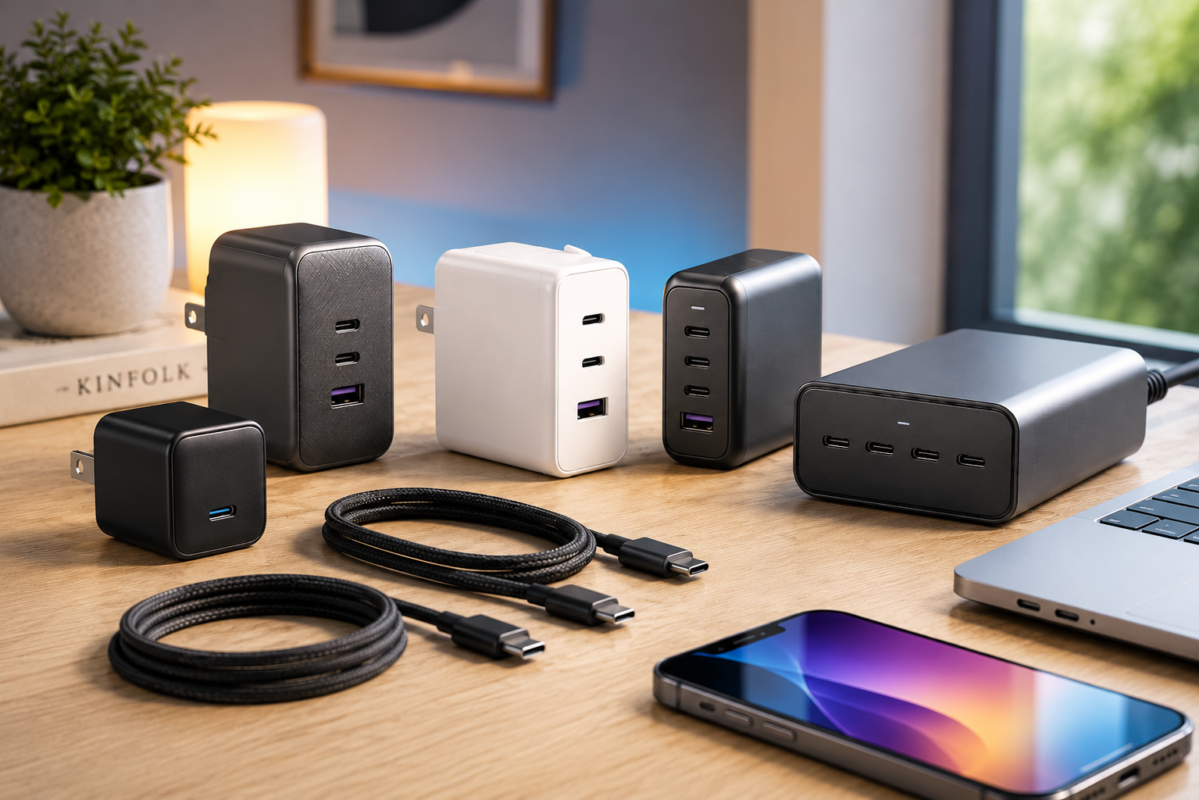
If you’re still using the charger that came in the box three phones ago, it’s probably time to upgrade. Modern USB-C chargers have gotten remarkably good — smaller, faster, and smarter than anything we had even a few years back.
Whether you want a single charger that handles your phone and laptop at the same time, something compact enough to live in your bag permanently, or a desktop setup that keeps your whole desk tidy, there’s genuinely a great option for every situation.
This guide cuts through the noise and focuses on chargers that are actually worth buying in 2026. We’ve broken down who each one is best for, what the real-world experience is like, and where each one falls short — because no charger is perfect for everyone.
Affiliate Disclosure
This article contains affiliate links. If you purchase through our links, we may earn a small commission at no additional cost to you. We only recommend products we believe are genuinely useful. Learn more
Table of Contents
Why USB-C Chargers Actually Matter
It sounds like a minor purchase. It’s just a charger, right?
But charging tech has changed a lot, and most people are still using hardware that doesn’t take full advantage of their devices. A phone that supports 45W fast charging, plugged into a 5W adapter, is a frustrating experience. A laptop that needs 65W to charge quickly, limping along on a 30W travel charger, will drain faster than it charges under load.
The right charger means:
- Your phone charges in under an hour instead of three
- Your laptop stays topped up through meetings without hunting for an outlet
- You carry one charger instead of three separate bricks
- You actually have a full battery when you need it
GaN (Gallium Nitride) technology is the biggest reason modern chargers have gotten so much better. Traditional chargers use silicon components that generate more heat and require more physical space. GaN chargers run cooler, pack more power into a smaller body, and are generally more efficient.
Most of the best options in this guide use GaN tech — it’s worth knowing what it means when you see it on a box.
Quick Comparison: Best USB-C Chargers at a Glance
| PRODUCT | POWER | PORTS | BEST FOR | PRICE RANGE |
|---|---|---|---|---|
| Anker Nano 3 30W | 30W | 1 | Phones & Light Travel | $15-$30 |
| Anker Prime 67W | 67W | 3 | Best Overall | $45-$70 |
| UGREEN Nexode 65W | 65W | 3 | Travel & Value | $35-$60 |
| Baseus GaN5 Pro 100W | 100W | 4 | Multi-Device Users | $50-$90 |
| UGREEN Nexode 100W | 100W | 4 | Laptop Users | $60-$100 |
| Anker Prime 100W | 100W | Multiple | Premium Pick | $70-$120 |
| Satechi 165W 4-Port | 165W | 4 | Desktop Setups | $100-$150 |
| Apple 70W USB-C | 70W | 1 | Apple Ecosystem | $59-$79 |
| Anker 543 USB-C Cable | 240W | — | Best Cable | $10-$25 |
| UGREEN 240W USB-C Cable | 240W | — | Budget Cable | $10-$20 |
Prices change often, so check the product page for the latest price and availability.
How We Chose These Chargers
The products in this list were selected based on several practical criteria: output power relative to physical size, port count and flexibility, brand reliability, user feedback patterns, and value across different price points.
No single charger wins every category — a 30W travel charger shouldn’t be judged against a 165W desktop station. Instead, this guide tries to match the right product to the right situation so you can find what actually fits your life.
Pricing reflects typical ranges across major retailers. Always check current listings, as prices shift with sales and availability.
Best USB-C Chargers: Full Reviews
1. Anker Nano 3 30W — Best for Everyday Phone Charging
Price: $15-$30
| Power: 30W | Ports: 1 | Technology: GaN
The Anker Nano 3 is a small charger that punches well above its size. If you’ve been using the charger that came with your phone, this is the upgrade that will immediately feel worth it.
At 30W, it’s optimized for phones, tablets, and earbuds. It won’t fully charge a MacBook Pro, but for iPhone and Samsung Galaxy users, 30W is plenty — it’s fast enough to get you from empty to around 50% in under 30 minutes with a compatible phone.
The foldable plug makes a real difference for travel. It sits flat in a bag, doesn’t catch on anything, and takes up almost no space. This is the charger that disappears into your daily bag and lives there permanently.
✓ Pros
- Genuinely small — easy to forget you’re even carrying it
- Affordable entry point to GaN charging
- Reliable Anker build quality
- Works great for phones, earbuds, and tablets
— Limitations
- Single port only
- Won’t fast-charge larger laptops
- 30W can feel limiting if you later buy a power-hungry device
Who should buy it: iPhone or Samsung users who want faster phone charging and a compact everyday charger. Great for students and anyone who travels light.

2. Anker Prime 67W GaN Charger — Best Overall USB-C Charger
Price: $45-$70
| Power: 67W | Ports: 3 | Technology: GaN
This is the charger most people should buy. The Anker Prime 67W hits the sweet spot where power, size, and versatility all come together without compromise.
Three ports — a mix of USB-C and USB-A — means you can charge your laptop, phone, and a pair of wireless earbuds at the same time. The 67W output is enough for a MacBook Air or a mid-range laptop while simultaneously keeping other devices topped up. It’s compact enough to travel with but powerful enough to be your only charger at home.
In practical terms, this is the answer to “I want one charger for everything.” It’s the charger you leave in your bag, plug in when you sit down at a coffee shop, and forget about while everything charges.
The price is higher than a basic single-port charger, but when you consider it’s replacing multiple separate chargers, the math works out. Anker has a long track record for reliability, and this model reflects that.
✓ PROS
- Three ports handles most everyday charging scenarios
- 67W is enough for MacBook Air and most mid-range laptops
- Compact for what it delivers
- Foldable plug for cleaner storage
— Limitations
- Not enough for MacBook Pro at full load
- Slightly pricier than budget alternatives
- Power is shared across ports, so single-device output drops when multiple ports are in use
Who should buy it: Remote workers, students, and travelers who want one versatile charger for multiple devices. MacBook Air users especially.
3. UGREEN Nexode 65W GaN Charger — Best Travel USB-C Charger
Price: $35-$60
| Power: 65W | Ports: 3 | Technology: GaN
UGREEN has quietly become one of the most reliable names in charging accessories, and the Nexode 65W is a strong reason why. It offers very similar specs to the Anker Prime 67W at a slightly lower price, making it worth a close look — especially for travelers.
Three ports, 65W output, GaN internals. The UGREEN Nexode is compact enough for a travel kit but capable enough to handle real laptop charging. Digital nomads who need a reliable all-in-one charger for laptops, phones, and accessories will find this covers most scenarios without any drama.
Where UGREEN earns its reputation is in consistent real-world performance. This isn’t a charger that surprises you with throttled output when you most need it.
✓ PROS
- Excellent value for a 3-port GaN charger
- Reliable brand with strong customer feedback
- Compact and travel-friendly
- Good compatibility across devices
— Limitations
- Slightly bulkier than the Anker Nano 3
- 65W means single-device output will be less when multiple ports are active
Who should buy it: Travelers and digital nomads looking for a dependable multi-port charger without paying a premium. Also a great pick for anyone who finds the Anker Prime 67W out of budget.
4. Baseus GaN5 Pro 100W — Best Value 100W Charger
Price: $50-$90
| Power: 100W | Ports: 4 | Technology: GaN
If you regularly travel with multiple devices — a laptop, a tablet, two phones, or any combination — the Baseus GaN5 Pro deserves a serious look. Four ports at 100W total output means you can genuinely consolidate your charging setup into one brick.
The Baseus brand sits a tier below Anker and UGREEN in name recognition, but the product itself holds up well. Build quality is solid, the thermal performance is reasonable for a 100W device, and the price is lower than comparable Anker and UGREEN options at this power level.
At 100W, this charger can handle a MacBook Pro, though you’ll see faster charge speeds when other ports aren’t in use simultaneously. It’s a capable charger at a price that’s genuinely competitive.
✓ PROS
- Four ports covers most multi-device scenarios
- 100W is enough for demanding laptops
- Better value than similarly competitors
- GaN tech keeps size manageable
— Limitations
- Larger than 65W models — not as pocketable
- Baseus is less established than Anker or UGREEN
- Runs warmer under full load than premium alternatives
Who should buy it: Travelers or remote workers with multiple devices who want 100W capability without spending premium prices.
5. UGREEN Nexode 100W Charger — Best for Laptop Users
Price: $60-$100
| Power: 100W | Ports: 4 | Technology: GaN
If your laptop is the center of your work setup and everything else charges around it, the UGREEN Nexode 100W is built for you. MacBook Pro users, video editors, and anyone running a demanding machine will notice the difference that a proper 100W charger makes.
Four ports, 100W total, with smart power allocation that adjusts based on what’s connected. UGREEN’s build quality at this price range is excellent — it’s a charger that feels premium without the premium price tag of equivalent Anker models.
This is also a genuinely solid travel charger if you’re a professional who can’t afford to have their laptop running slow because the charger can’t keep up. A single device connected gets the full benefit of 100W, and the remaining ports handle phones and accessories in parallel.
✓ PROS
- Strong build quality from a trusted brand
- 100W handles MacBook Pro and demanding Windows laptops
- Four ports for flexibility
- Smart power distribution across ports
— Limitations
- Premium pricing compared to Baseus at similar specs
- Bulkier than 65W options
- Total power splits across ports — planning your usage helps
Who should buy it: MacBook Pro users, content creators, and professionals who need reliable laptop charging plus ports for other devices.
6. Anker Prime 100W GaN Charger — Best Premium USB-C Charger
Price: $70-$120
| Power: 100W | Ports: Multiple | Technology: GaN
If you want the best without compromise, the Anker Prime 100W is it. Anker’s Prime line represents the top of their consumer charging lineup, and this charger earns its price with excellent build quality, thoughtful port layout, and reliable performance under sustained load.
For frequent travelers and professionals who rely on their gear, the build quality difference between this and a budget 100W charger is noticeable. The Anker Prime runs cooler, charges more consistently, and inspires the kind of confidence that means you don’t think about it — you just plug in and work.
It’s not for everyone at this price point. If you’re primarily charging phones, the 30W or 67W Anker options are better value. But for power users who need 100W and want Anker’s reliability behind it, this is the one to get.
✓ PROS
- Best-in-class build quality at 100W
- Runs cooler and more consistently than budget alternatives
- Compact for a 100W device
- Anker’s warranty and customer support backing
— Limitations
- Expensive — pay the premium only if you’ll use it to its potential
- Overkill for casual phone-only users
Who should buy it: Frequent business travelers, MacBook Pro users, and anyone who wants the most reliable 100W charger available and is willing to pay for it.
7. Satechi 165W USB-C 4-Port PD Charger — Best Desktop Charging Station
Price: $100-$150
| Power: 165W | Ports: 4 x USB-C | Technology: USB-C PD
The Satechi 165W is a different category of product from everything else in this list. It’s not a travel charger — it’s a desktop charging station built to live on your desk and power everything on it.
Four USB-C PD ports at 165W total output. You can charge a MacBook Pro, a second laptop, a tablet, and a phone simultaneously without any device getting starved for power. For home offices and shared workspaces with multiple devices that need regular charging, this simplifies the desk setup considerably.
The design is clean and minimal, which suits a desk environment well. The cable sits out of the way, and having four full-power USB-C ports means no adapter juggling.
This is the kind of charger that seems expensive until you price out buying four separate chargers and realize the cable management headache that comes with them.
✓ PROS
- 165W is enough for multiple laptops simultaneously
- Four USB-C PD ports covers any desk setup
- Clean design that works in professional environments
- Replaces several individual chargers in one product
— Limitations
- Not designed for travel — it’s a desktop station
- Higher price, but the use case justifies it
- Not useful if you only charge one or two devices
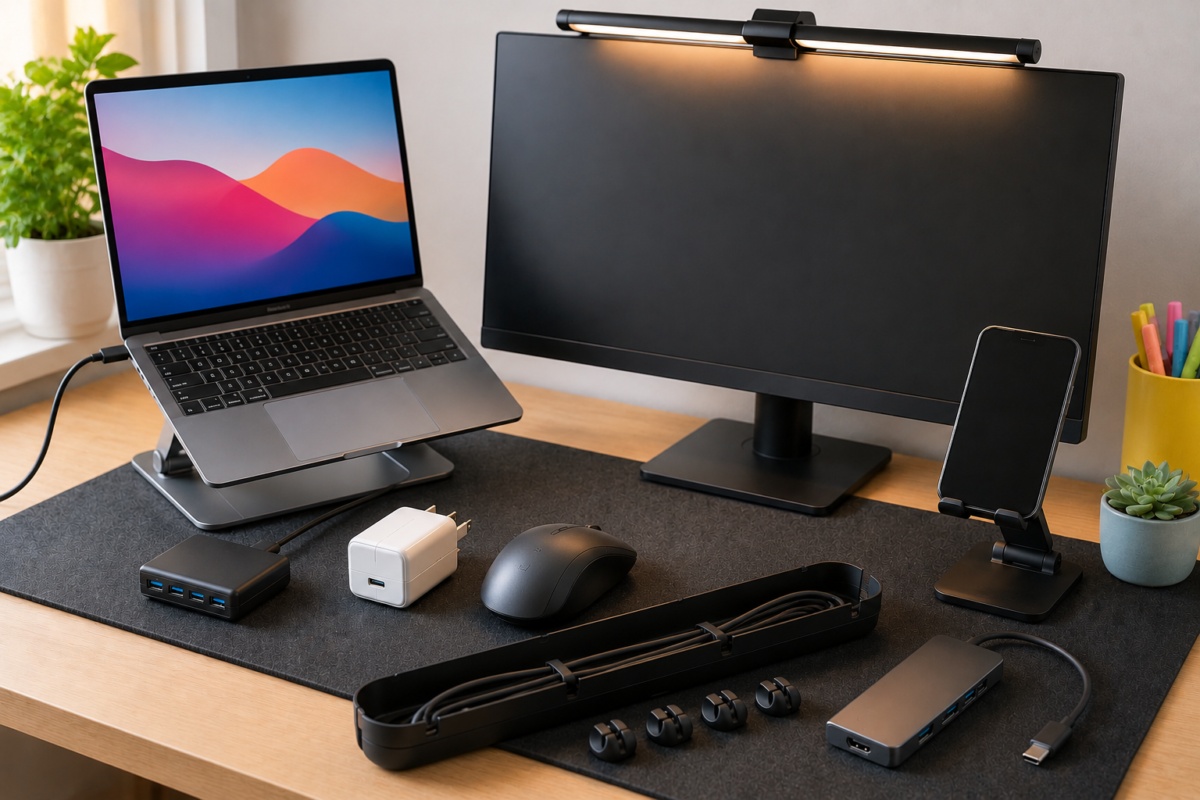
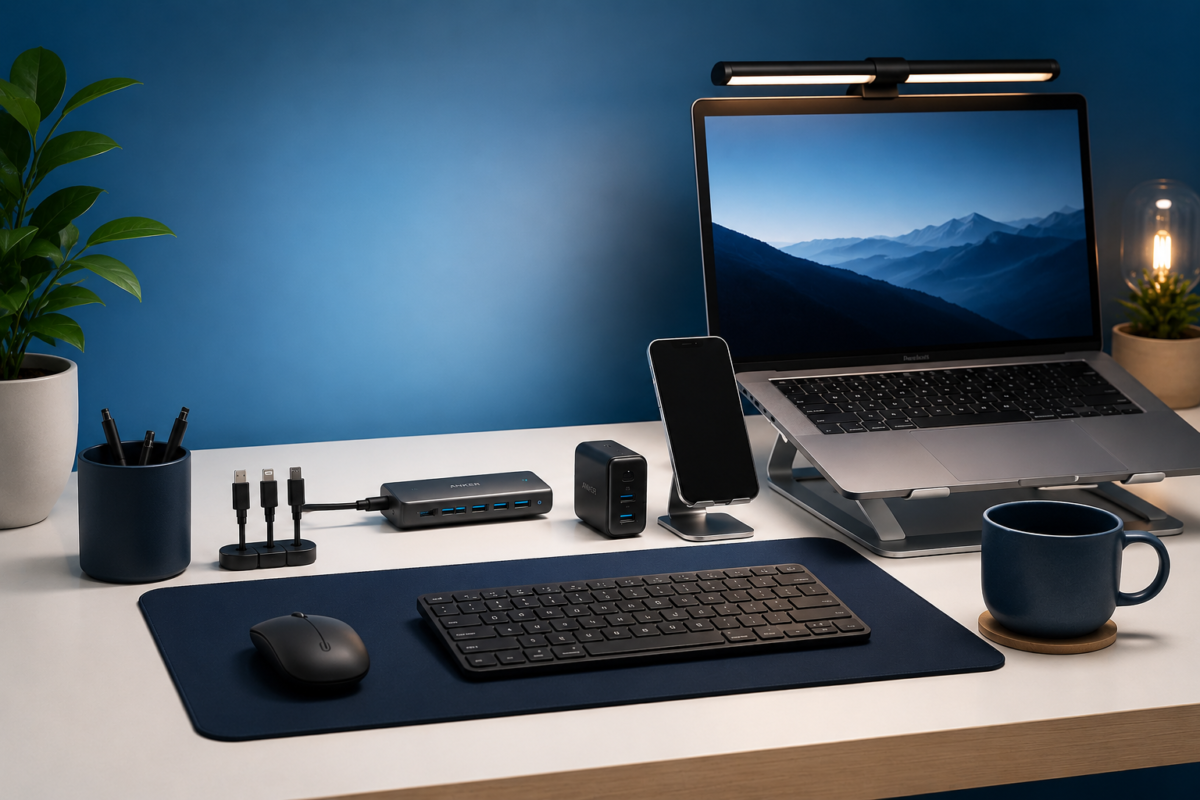
Who should buy it: Home office setups, shared workspaces, creative professionals running multiple high-power devices, and anyone who wants a single cable management solution for their desk.
8. Apple 70W USB-C Power Adapter — Best for Apple Users Who Want Official
Price: $59-$79
| Power: 70W | Ports: 1 | Technology: USB-C PD
The Apple 70W charger exists for one reason: some people want official Apple hardware for their Apple devices, and that’s a completely valid preference.
For MacBook Air users, 70W is genuinely well-matched to the machine’s charging requirements. It’s reliable, Apple-certified, and integrates cleanly into the Apple ecosystem without any compatibility concerns.
That said, third-party options like the Anker Prime 67W deliver more flexibility (three ports vs one) at a comparable or lower price with similar wattage. If you’re willing to look beyond Apple’s ecosystem, you’ll almost certainly get better value.
The Apple charger earns its spot for users who prioritize official certification, prefer Apple’s design aesthetic, or are gifting something to someone deeply embedded in the Apple ecosystem who might not trust third-party accessories.
✓ PROS
- Official Apple product — guaranteed compatibility
- Well-matched wattage for MacBook Air
- Simple and reliable
— Limitations
- Single port only — no flexibility for other devices
- Expensive for a single-port charger at this wattage
- Third-party alternatives offer better value at similar specs
Who should buy it: MacBook Air users who specifically want official Apple hardware or are purchasing for someone who prefers to stay within the Apple ecosystem.
Don’t Forget the Cable: Best USB-C Charging Cables
A charger upgrade is only as good as the cable connecting it. Many people upgrade to a 100W charger but keep using the cheap cable that shipped with their phone — which completely negates the benefit. Modern USB-C cables are rated for specific wattage, and using a low-rated cable with a high-wattage charger means your device simply won’t charge faster.
9. Anker 543 USB-C to USB-C Cable (240W) — Best Overall Cable
Price: $10-$25
| Max Power: 240W | Design: Braided
240W cable support is more than most people will ever need, which means this cable will never be the bottleneck in your charging setup. The braided design handles the daily abuse of being stuffed in a bag, wrapped around a charger, and pulled out hundreds of times. Anker cables have a strong reliability track record, and at this price, it’s worth having one or two.
Check Price on Amazon10. UGREEN 240W USB-C Cable — Best Budget Cable
Price: $10-$20
| Max Power: 240W | Design: Braided
Same 240W rating, slightly lower price. UGREEN cables are well-regarded for their durability and compatibility. If you need to stock up on cables for home, office, and travel, this is a cost-effective option that won’t let you down.
Check Price on AmazonOur Top Picks Summary
Not sure where to start? These three picks cover the most common situations.
🏆 Best Overall
Three ports, 67W, compact, foldable plug — the Anker Prime 67W is the charger that handles the widest range of everyday situations without breaking the bank.
MacBook Air, iPhone, Android, earbuds — it handles them all from one brick. For most people, this is the answer.
💰 Best Budget Pick
If your main device is a smartphone and you just want something faster and more compact than what you’re currently using, the Anker Nano 3 delivers real-world performance improvement at a price that’s hard to argue with. It’s small enough to leave in your bag permanently.
Check price →🧘 Best Premium Pick
For professionals, MacBook Pro users, and frequent travelers who want the most reliable 100W charger available, the Anker Prime 100W is the top of the ladder. You’re paying for consistent performance, cooler operation, and Anker’s build quality at its best.
Check price →USB-C Charger Buying Guide
30W vs 65W vs 100W: Which Wattage Do You Actually Need?
Wattage determines how fast your device charges. But more watts isn’t always better — what matters is matching the charger to what you’re charging.
30W is the sweet spot for phones and tablets. Most modern smartphones charge at 18W–45W, so a 30W charger handles them efficiently without being oversized. If your primary device is a phone, 30W is perfectly adequate and usually cheaper and smaller.
65W–67W is the laptop tier. MacBook Air charges comfortably at 65W. Many Windows ultrabooks and mid-range laptops sit in this range too. At 65W–67W, you can charge a laptop and phone simultaneously from a multi-port charger. This range is the best general-purpose choice for most people.
100W is for power users and demanding laptops. MacBook Pro (especially the 16″) charges fastest at close to 100W. If you have a high-performance laptop, a 100W charger means the battery doesn’t drain during intensive tasks. Also useful for anyone charging multiple laptops from one charger.
Above 100W (like the 165W Satechi) is for desktop setups where multiple high-power devices need simultaneous charging. Most people don’t need this from a travel charger.
What Is GaN Technology?
GaN stands for Gallium Nitride. Traditional charger components use silicon, which generates more heat and requires more physical space to manage that heat safely. GaN is a more efficient semiconductor that runs cooler and handles higher power in a smaller package.
In practical terms: GaN chargers are smaller, run cooler, and are generally more efficient than older charger designs at the same power output. Almost every charger worth recommending in 2026 uses GaN technology. When you see “GaN” on the packaging, it’s a meaningful differentiator — not just marketing language.
How Many Ports Do You Actually Need?
One port: Fine if you only charge one device at a time and always have the cable swapped between devices. Works for minimalists or people who charge overnight.
Two ports: Useful for phone + earbuds, or tablet + phone. A small step up in flexibility.
Three ports: The practical sweet spot for most people — laptop, phone, and one more. This covers most daily scenarios without the charger getting too large.
Four ports: For travelers carrying multiple devices, families, or anyone replacing several individual chargers with one unit. Worth the size increase if you genuinely need it.
Travel Charging Tips
A few practical things worth knowing before you pack a charger:
One charger for everything saves space and weight. A 67W or 100W multi-port charger replaces separate chargers for your laptop, phone, and tablet. The math on bag space and cable clutter is worth it.
Check voltage compatibility before international travel. Most modern GaN chargers support 100–240V input, which means they work globally with just a plug adapter. Check the fine print on the charger or product page before you travel internationally.
Your cable matters as much as your charger. A 100W charger paired with a cable rated for 18W will charge at 18W. Always use a cable rated for the wattage you need.
Airport outlets are often shared. Having a multi-port charger means you can share an outlet with a fellow traveler and use all your ports — small gestures that carry goodwill.
Frequently Asked Questions
Can I use a USB-C charger for any USB-C device?
Yes, USB-C is a universal connector standard. Any USB-C charger can physically connect to any USB-C device. The charger and device negotiate the appropriate power level automatically through USB Power Delivery (PD) — your device won’t be harmed by a more powerful charger. However, a lower-wattage charger may charge a high-demand device more slowly.
Will a 100W charger damage my phone?
No. Charging is negotiated between the charger and the device. A 100W charger connected to a phone that supports 25W charging will only deliver 25W — not 100W. The device controls what it accepts.
What’s the difference between USB-C PD and regular USB-C?
USB-C is the connector shape. USB Power Delivery (PD) is a charging protocol that enables higher wattage and faster charging. Most modern USB-C chargers support PD. Older USB-C chargers (especially those bundled with budget devices) may not support PD, limiting charging speeds.
Do I need a special cable for fast charging?
Yes, to a degree. Standard USB-C cables often support up to 60W. For 100W or higher, you need a cable explicitly rated for that wattage. Both cables in this guide (Anker 543 and UGREEN 240W) are rated for 240W, which covers any charger you’re likely to own.
Is GaN worth paying extra for?
In most cases, yes. The size reduction and heat efficiency of GaN are genuinely meaningful, especially in multi-port chargers where managing heat from multiple charging circuits matters. At the same wattage, a GaN charger is typically smaller and runs cooler than a non-GaN equivalent. The price premium has also narrowed significantly — most quality chargers at this point use GaN as standard.
What’s the best USB-C charger for a MacBook Pro?
The UGREEN Nexode 100W and Anker Prime 100W are both excellent choices. MacBook Pro (especially the 14″ and 16″ models) charges most efficiently at 96W–140W depending on the configuration. A 100W charger won’t max out the charging speed of a 16″ MacBook Pro under load, but it will keep up in most real-world usage scenarios. The Anker Prime 100W is the premium choice; UGREEN Nexode 100W is the better-value option.
Can I charge a Nintendo Switch with a USB-C charger?
Yes. The Nintendo Switch charges via USB-C and supports USB PD. A standard USB-C charger with USB PD support will charge it fine. The Switch draws around 18W when charging while playing, so any charger in this guide will handle it comfortably.
How do I know if my device supports fast charging?
Check your device’s specifications page or the charger that came with it. If the included charger is 18W or higher, your device likely supports fast charging. Most flagship smartphones released after 2019 support some form of fast charging via USB-C PD.
Final Thoughts
💡——
The right USB-C charger genuinely changes the day-to-day experience of using your devices. Not dramatically, but consistently — in the small moments where your laptop is full when you needed it, your phone charged on the commute, and your bag has one less cable bundle rattling around.
For most people, the Anker Prime 67W is the one to get. It’s versatile, reliable, appropriately priced, and compact enough to live in a bag without complaint.
If budget is the priority, the Anker Nano 3 30W is the most efficient use of $20 in the charging category.
If you have a demanding laptop and travel regularly, the UGREEN Nexode 100W or Anker Prime 100W will serve you well for years.
And if your desk has become a tangle of charging cables and individual bricks, the Satechi 165W is the clean-slate solution.
Whatever you pick, upgrade your cable at the same time. It’s a small thing that makes a real difference.
*Prices listed reflect typical ranges at time of publication. Always check current listings for the most accurate pricing. This article contains affiliate links — purchases made through these links support Techconxt at no additional cost to you.*